 README
- TrEntity
- TEntityId
- ::newRawEntity::new
- ::to_stepRawEntity::to_step
- TRef
- TUnknownEntity
- Vfmt_num
- Vstep_str
- Vunknown_entity_witness
#40 — Face Query Hole
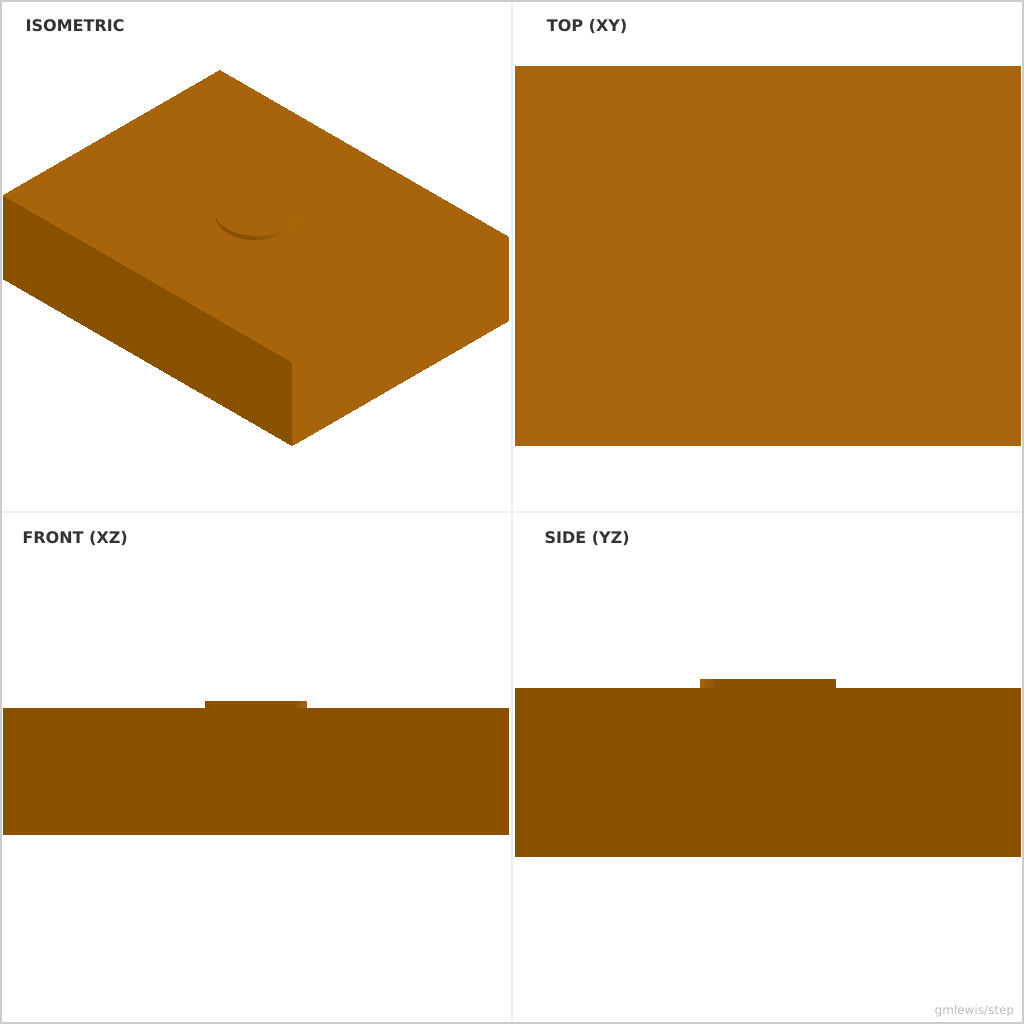
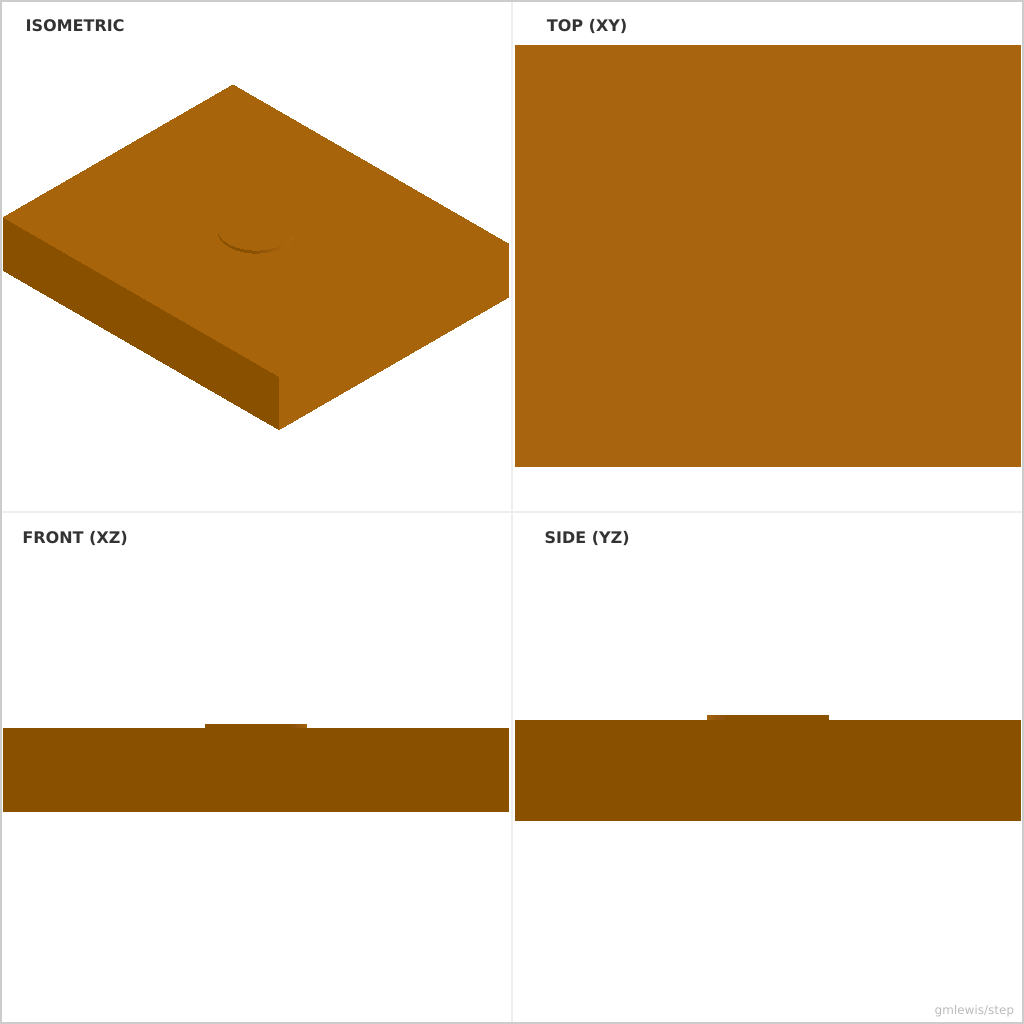
This folder contains a working example that generates a STEP model for: a block whose top face is found by querying the compiled B-Rep, then a hole is cut centered on that face.
The intent is that you can run the code here to emit a STEP file, open it in a CAD viewer, and/or import it into your slicer to 3D print and iterate.
#What this example demonstrates
- Design::planar_faces() — discover the planar faces of a compiled solid
- FaceSet::aligned_with(...).sort_by_z(...).first_matching(...) — MakerCad-style face queries
- cut_on_face(...) — place a profile in the discovered face's frame and cut
- --eval — OCCT evaluates the boolean tree into a real, trimmed solid
#Parameters to try
- --length / -l, --width / -w, --height
- --hole / -d
- --eval <path> (write an OCCT-evaluated, really-trimmed STEP instead of the nominal one)
#Run
- From the moonbit-step root: ./examples/run-example.sh 40 -o block.step (nominal STEP, hole faces concatenated)
- Real trimmed cut: ./examples/run-example.sh 40 --eval=hole.step --png=hole.png (requires occt-draw or DRAWEXE)
#Suggested extensions
- cut two holes by querying both the top and a side face
- discover a cylindrical face and drill along its axis
- combine with write_step_evaluated in your own code instead of the CLI flag
#Variant 1
Command line: ./run-example.sh 40
#Variant 2
Command line: ./run-example.sh 40 --hole 12 --length 60 --width 50

 Apache-2.0

 Updated 5 days ago
 264 downloads